
Ozwin casino account verification: sign-in and document checks
Returning to your account? Choose Log In rather than Sign Up. Ozwin casino account verification is a separate step: it must be completed before winnings are processed, but it is not part of every sign-in. Start with the access checks below if you cannot get into your account; the document steps apply when verification is needed. Australian law prohibits providers from offering online casino-style services to people in Australia; this page does not establish access or eligibility to play.
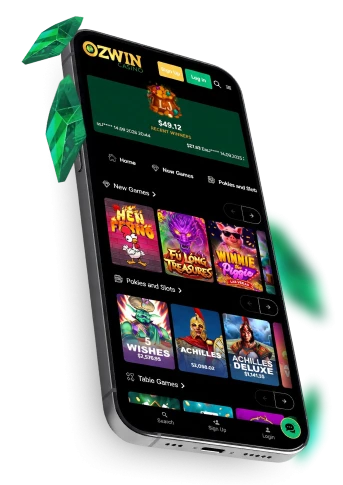
Ozwin casino login for an existing account
Use the Ozwin casino login control marked Log In to access an account you have already created. For Ozwin casino login australia, choose that same control rather than Sign Up, which starts a new registration.
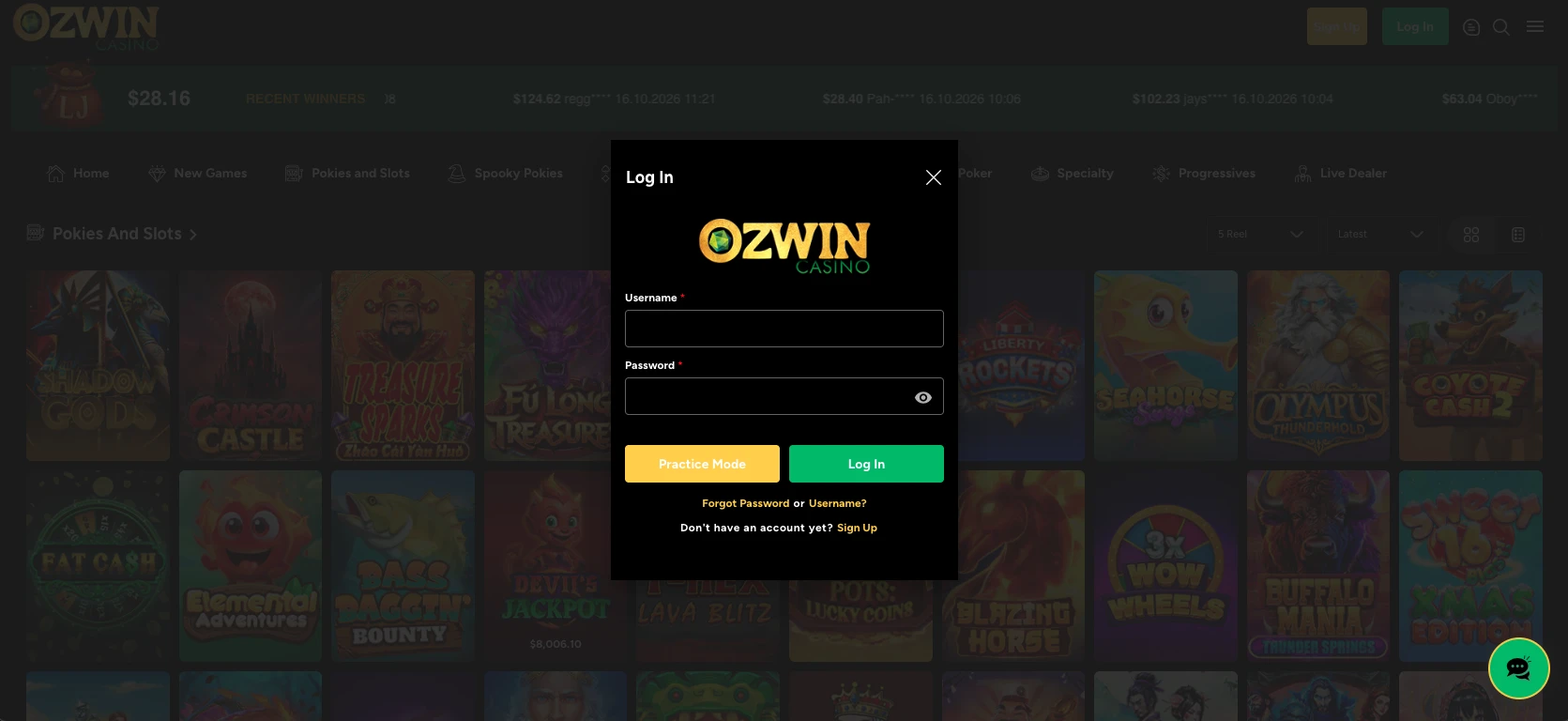
If you are registering for the first time, start at the homepage and choose Sign Up. Registration asks for personal details such as your name and address; once signup is completed, the account is ready to use. If you need to switch back to sign-in, both controls are available from the Ozwin casino lobby.
Ozwin login troubleshooting
If an Ozwin login fails, check what was entered before trying again. During an Ozwin login australia attempt, browser autofill may insert an outdated entry instead of your current details. Work through these checks in order:
- Select Log In, not Sign Up, for your existing account.
- Recheck the details you entered. If your browser filled them in, check that they are the details you meant to use.
- Check Caps Lock and your keyboard layout, then try again. If the page is unresponsive, reload it and check whether a browser setting or extension is interfering.
- If you still cannot get in, contact support by email or LiveChat. Both channels are listed as available 24/7; the stated email response target is 24–48 hours, not a guaranteed time to resolve the issue.
Do not create another account to get around an access problem. Our account rules allow one casino account per person, with the Terms specifying one real-money account per player name. Duplicate accounts may be closed or merged, and related winnings voided. Support is the appropriate next step when the usual sign-in checks have not helped.
Browser access on desktop and mobile
You can use browser-based instant play across devices; there is no casino app to install. For an Ozwin casino au login on a phone, use the mobile browser experience rather than looking for a separate app sign-in. Access to practice play differs by device:
| Device | Browser access | Demo-play condition |
|---|---|---|
| Desktop | Instant play across browsers; Google Chrome is recommended | Demo play is available while logged out |
| Android or iOS phone or tablet | Mobile or tablet instant play | On mobile, create an account and select Practice Mode |
The important distinction is not simply screen size: desktop demo play can be used without signing in, whereas mobile Practice Mode follows account creation. If you plan to claim a no-deposit promotion after accessing your account, check eligibility and the applicable conditions on the Ozwin casino no deposit bonus page before using it.
Account verification before winnings are processed
We require verification before winnings are processed, and withdrawals can be suspended while verification is pending. To reach Account Verification on desktop, go to Cashier → Withdraw → Account Verification; on mobile, use the burger menu → Withdraw → Account Verification route. You can then upload the requested documents.
The documents requested may vary by account and deposit method. Possible requests include:
- A clear colour government photo ID, such as a passport, national ID or driver’s licence; show both sides where applicable.
- Proof of address, such as a utility bill or bank or card statement, no older than three months.
- A selfie holding your government ID next to your face.
Use clear images of valid, unexpired documents: the details and all four corners should be visible, with your full ID and face visible where relevant. Identity, address, payment or source-of-funds evidence may be requested. Further evidence can include the front and back of a payment card if you funded the account by card, or an e-wallet account screenshot showing registered information. Follow the request shown for your account rather than assuming every listed item is required.
Frequently asked questions
Can I check transaction history after signing in?
Yes. Once logged in, open My Account in the casino lobby to view your transaction history.
What documents might account verification require?
The request can vary by account and deposit method. Identity, address, payment or source-of-funds evidence may be requested; follow the request shown for your account.
Can a withdrawal proceed while verification is pending?
Verification must be complete before winnings are processed, and a withdrawal may be suspended while requested checks remain pending.