
Ozwin app access on Android and iOS
Ozwin app access is browser-based: you can use instant play on an Android or iOS phone or tablet. If you want to try games without wagering, the device matters. Desktop demos are available while logged out; on mobile, you need an account and must choose Practice Mode. Australian law prohibits providers from offering online casino-style services to people in Australia; this page does not establish access or eligibility to play.
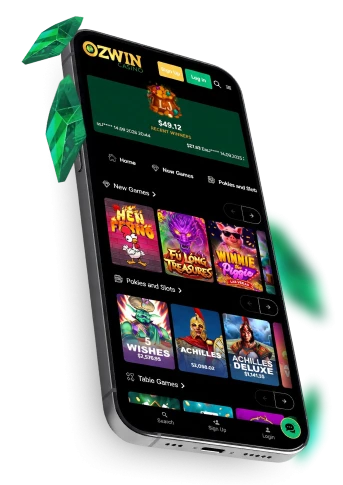
Ozwin casino app access on phones and tablets
For Ozwin casino app access, open the site in your phone’s or tablet’s browser. Instant play works on Android and iOS, so there is no separate mobile installation step before you reach the casino. You can use the site’s Log In or Sign Up controls when you need account access.
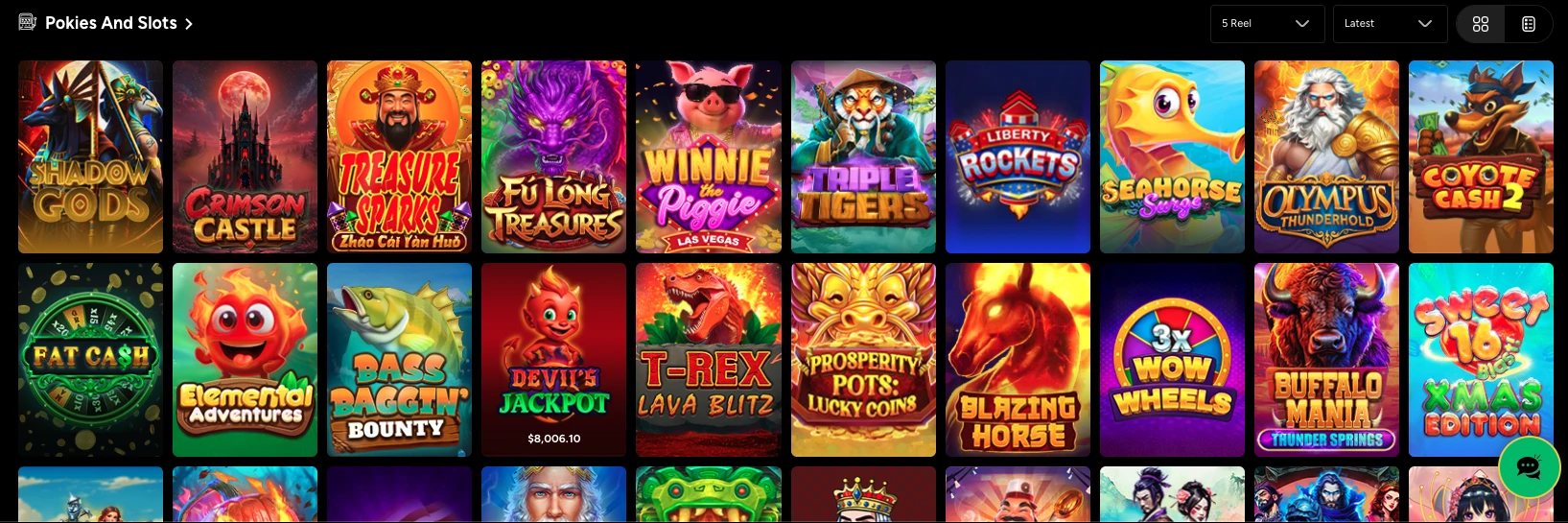
Our Ozwin casino lobby is the browser entry point for mobile play. Ozwin mobile app access uses that same browser route rather than a separate application. On desktop, instant play works in any browser, although we recommend Google Chrome.
Ozwin casino app download and browser play
An Ozwin casino app download is not available because we do not have a native casino app. An Ozwin casino download is not needed to play through the browser either: open the site directly instead of looking for an installer or app-store listing.
Practical Ozwin casino app tips and tricks start with the browser. Keep it updated and use a dependable connection. If a page stops responding, reload it; if you were making an account or payment change, check whether it completed before trying again.
Practice Mode on mobile and desktop
You can try demo play without placing a real-money wager, but the account requirement differs between desktop and mobile.
| Device | Demo access | Account requirement |
|---|---|---|
| Desktop | Open a demo while logged out | No login needed for logged-out demo play |
| Mobile | Create an account and choose Practice Mode | Account required |
If you are moving from a logged-out desktop demo to your phone, create or sign in to your account before looking for Practice Mode. The distinction concerns how you enter demo play; it does not mean that every game has a demo option.
Using coupons on mobile
Coupons are in the footer menu on mobile once you are logged in. Free-bonus and deposit-bonus coupons lead to different next steps. A listed route does not guarantee that a no-deposit coupon is available to your account.
- Log in, open the footer menu and tap Coupons.
- Coupons can display available coupons or accept a code.
- A free-bonus coupon is redeemed to your account; a deposit-bonus coupon invites you to make a deposit.
The mobile Deposit control displays available methods and their steps; availability varies by account.
Check the terms of your particular coupon before redeeming it; our Ozwin casino no deposit bonus guide covers related promotion information.
Frequently asked questions
Is there a native Ozwin app to install?
No. The stated mobile access uses an Android or iOS browser, not a native casino app.
Can I use mobile Practice Mode without an account?
No. It requires an account; desktop demo play is available while logged out.
Does the mobile Coupons route guarantee a no-deposit offer?
No. The route describes where coupons appear for a logged-in account; it does not establish that a no-deposit coupon has been issued or that its terms are met.